
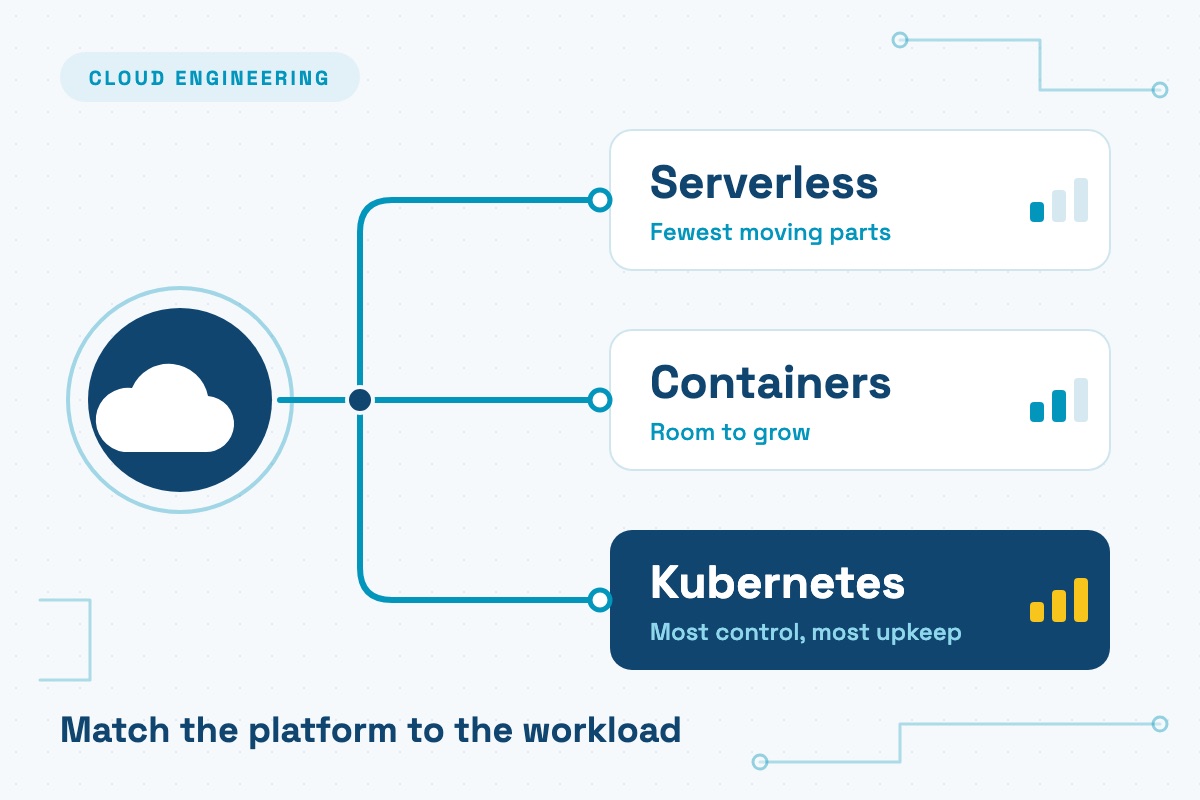
Kubernetes comes up in a lot of our conversations with business owners and IT leads. Usually it starts with, “Our developers say we should be on Kubernetes. Should we?” Sometimes the answer is yes. Often the honest answer is “not yet.”
Kubernetes is a powerful tool. Some of the largest software platforms in the world run on it. Power has a price, though, and that price is paid in people, time and operational attention. Plenty of small and mid-sized teams adopt it before they need it and end up maintaining a platform when they meant to ship a product.
This guide explains what Kubernetes does, when it earns its keep, what the simpler alternatives look like, and how to make the call without a whiteboard full of acronyms.
What Kubernetes actually does, in plain English
Modern applications are often packaged as containers: small, self-contained bundles holding an app and everything it needs to run. Containers are great. Once you have dozens of them across several servers, though, somebody has to decide where each one runs, restart the ones that crash, add copies when traffic spikes and route requests to the right place.
Kubernetes is that somebody. It’s an orchestrator. You describe the state you want (“run three copies of the web app, keep them healthy, expose them on port 443”) and Kubernetes keeps working to make reality match that description.
Think of it as an air traffic controller for your software. With two planes and one runway you don’t need a control tower. With a busy airport you can’t operate without one.
Signs you probably don’t need Kubernetes yet
Kubernetes is likely overkill if most of these sound familiar:
- You run a handful of applications. One web app, an API and a database don’t need an orchestrator.
- Traffic is fairly predictable. If load doesn’t swing wildly, simple autoscaling on a managed service will cover you.
- Your team is small. If one or two people handle all infrastructure, Kubernetes will eat a big share of their week.
- Nobody on staff has run it in production. Learning on live customer workloads is an expensive way to get trained.
- Your biggest problems are elsewhere. If deployments are manual, backups are untested or nobody watches the cloud bill, fix those first. Kubernetes won’t fix them, and it can hide them.
- You’re adopting it because it’s “the standard.” It’s popular, but popularity isn’t a business requirement.
Signs Kubernetes will pay for itself
On the other hand, Kubernetes starts to make real sense when:
- You run many services. Once you’re managing a large number of microservices, a consistent way to deploy, scale and monitor them saves real effort.
- Several teams ship independently. Kubernetes gives each team a standard platform with guardrails, so the teams aren’t each inventing their own approach.
- You need portability. If you run across AWS, Azure and Google Cloud, or need to support on-premises or customer-hosted deployments, Kubernetes gives you a fairly consistent layer across all of them.
- Workloads are spiky or mixed. Batch jobs, background workers and web traffic can share the same capacity efficiently.
- You already have the skills. If your team has run Kubernetes well before, much of the learning curve is already paid for.
- You’re building a platform others will build on. Internal developer platforms are where Kubernetes really shines.
We covered how teams automate day-to-day cluster work in our post on Kubernetes automation, which is worth reading if you’re already leaning this way.
Simpler options: serverless, managed containers, and PaaS
The good news is that there’s plenty of room between “a single virtual machine” and “full Kubernetes.” All three major clouds offer options that give you most of the benefits with far less to manage.
| Option | Examples | Great for | Trade-off |
|---|---|---|---|
| Serverless functions | AWS Lambda, Azure Functions, Google Cloud Functions | Event-driven tasks, APIs with variable traffic, scheduled jobs | Time limits, cold starts, a different way of designing apps |
| Managed containers | AWS Fargate / ECS, AWS App Runner, Azure Container Apps, Google Cloud Run | Containerized web apps and APIs without managing servers or clusters | Less fine-grained control than Kubernetes |
| Platform as a Service (PaaS) | AWS Elastic Beanstalk, Azure App Service, Google App Engine | Traditional web apps that need to “just run” | More opinionated, with less flexibility for unusual setups |
For a lot of SMBs, managed containers hit the sweet spot. You still package your app as a container, so you can move to Kubernetes later if you outgrow it. You just skip running the orchestrator yourself.
The costs people miss: skills, upgrades, and on-call
Compute is rarely what makes Kubernetes expensive for a smaller team. The real costs tend to show up later and don’t appear on the first invoice.
Skills
Kubernetes has a lot of moving parts: networking, ingress, storage classes, role-based access control, secrets, Helm charts, autoscalers and more. Running it safely takes real expertise. That means hiring for it, training for it or paying a partner, and it’s a cost whichever route you take.
Upgrades
The upstream Kubernetes project ships new minor versions several times a year, and each version is only supported for a limited time. Managed services follow a similar cycle. Fall behind and you’ll eventually face a forced upgrade, or on some providers you’ll pay extra for extended support on older versions. Each upgrade means checking add-ons, deprecated APIs and application compatibility. It’s routine work, but it never stops.
On-call and the “platform tax”
When something breaks at 2 a.m., someone has to work out whether the problem is the app, the container, the node, the network policy or the cluster itself. That’s a deeper troubleshooting stack than a managed PaaS has. Add the monitoring, logging and security tooling a production cluster needs and you’re paying a steady platform tax.
There’s also a direct cost angle. Over-provisioned node pools and idle clusters are a classic source of waste. We list them among the usual suspects in where cloud spend leaks.
If you do adopt it, start with a managed service (EKS, AKS, or GKE)
If Kubernetes is the right call, don’t build the control plane yourself. Use the managed offering from your cloud provider:
- Amazon EKS on AWS
- Azure Kubernetes Service (AKS) on Azure
- Google Kubernetes Engine (GKE) on Google Cloud
The provider runs the control plane, the “brain” of the cluster, and handles much of the patching and availability work. You still own your workloads, node configuration, add-ons and upgrades, but the hardest-to-recover-from pieces are taken care of.
A few practical tips for a first cluster:
- Consider the serverless or autopilot-style node options (such as EKS with Fargate, EKS Auto Mode, or GKE Autopilot) to cut down on node management.
- Define everything as code with Terraform, CloudFormation, Bicep or similar, so clusters can be rebuilt and reviewed.
- Set up monitoring, logging and cost visibility on day one, not after the first incident.
- Lock down access early. Use least-privilege roles and keep the cluster API off the public internet where you can.
- Put upgrades on the calendar. Treat them as scheduled maintenance, not surprises.
The official docs are a solid starting point: Amazon EKS, AKS, and GKE.
A quick decision checklist for owners and IT leads
Answer these honestly. If most of your answers are “no,” start with managed containers or PaaS and come back to the question in a year.
- Do we run (or will we soon run) many separate services?
- Do multiple teams need to deploy independently on a shared platform?
- Do we need to run consistently across clouds or on customer infrastructure?
- Do we have, or can we budget for, people who know Kubernetes well?
- Are we prepared to plan and test upgrades on a regular schedule?
- Do we have on-call coverage that can troubleshoot at the cluster level?
- Have we already sorted out the basics: CI/CD, backups, monitoring and cost tracking?
If you’re answering “yes” across the board, Kubernetes is probably a sound investment. If you’re mixed, a managed Kubernetes service paired with outside help for operations can bridge the gap. Our managed services team handles exactly that kind of ongoing cluster care.
FAQ: Kubernetes for small and mid-sized businesses
Is Kubernetes free?
The software is open source. Running it isn’t free, though. You pay for the underlying compute, often a management fee for the managed control plane, and the people and tools needed to operate it.
Can we start simple and move to Kubernetes later?
Yes. If you containerize your apps now and run them on a managed container service, moving to Kubernetes later is mostly a deployment change, not a rewrite.
Is Kubernetes more secure than other options?
Not automatically. It can be locked down very well, but it also has more settings to get wrong. A simpler managed service often has a smaller attack surface for a small team.
The bottom line
Kubernetes is an excellent tool for the right problem, but for many SMBs that problem doesn’t exist yet. Start with the simplest platform that meets your needs, keep your apps containerized so you have options, and adopt Kubernetes when the number of services, teams or environments truly calls for it. When you do, use a managed service and plan for the ongoing work from day one.
If you’d like a second opinion on whether Kubernetes fits your roadmap, or help designing a platform that’s the right size for your team, take a look at our cloud engineering services or get in touch. We’re happy to talk it through, even if the answer turns out to be “not yet.”